Mexico City Travel Internet Guide: Airport, Metro, Uber & Mobile Data
Mexico City SIM card guide: airport SIMs, Metro signal, Uber and DiDi, free Wi-Fi limits, and how a travel eSIM compares with roaming.

Mariami Burjanadze
Aviaesim Project Manager & Writer
Key takeaways
- Both terminals at Mexico City airport have operator counters and shops that sell prepaid SIM cards, and you should expect to show your passport to register a line.
- A travel eSIM installed at home is active when you land, so you can order a ride from the arrivals hall without a queue.
- Metro signal underground is uneven, so download offline maps and save your hotel address before you descend.
- Free public Wi-Fi exists across the city and at the airport, but it is shared and not secure, so use it only for light tasks.
- Around 1 GB to 1.5 GB per day suits normal use, and 5 GB to 10 GB covers a typical five-day visit.
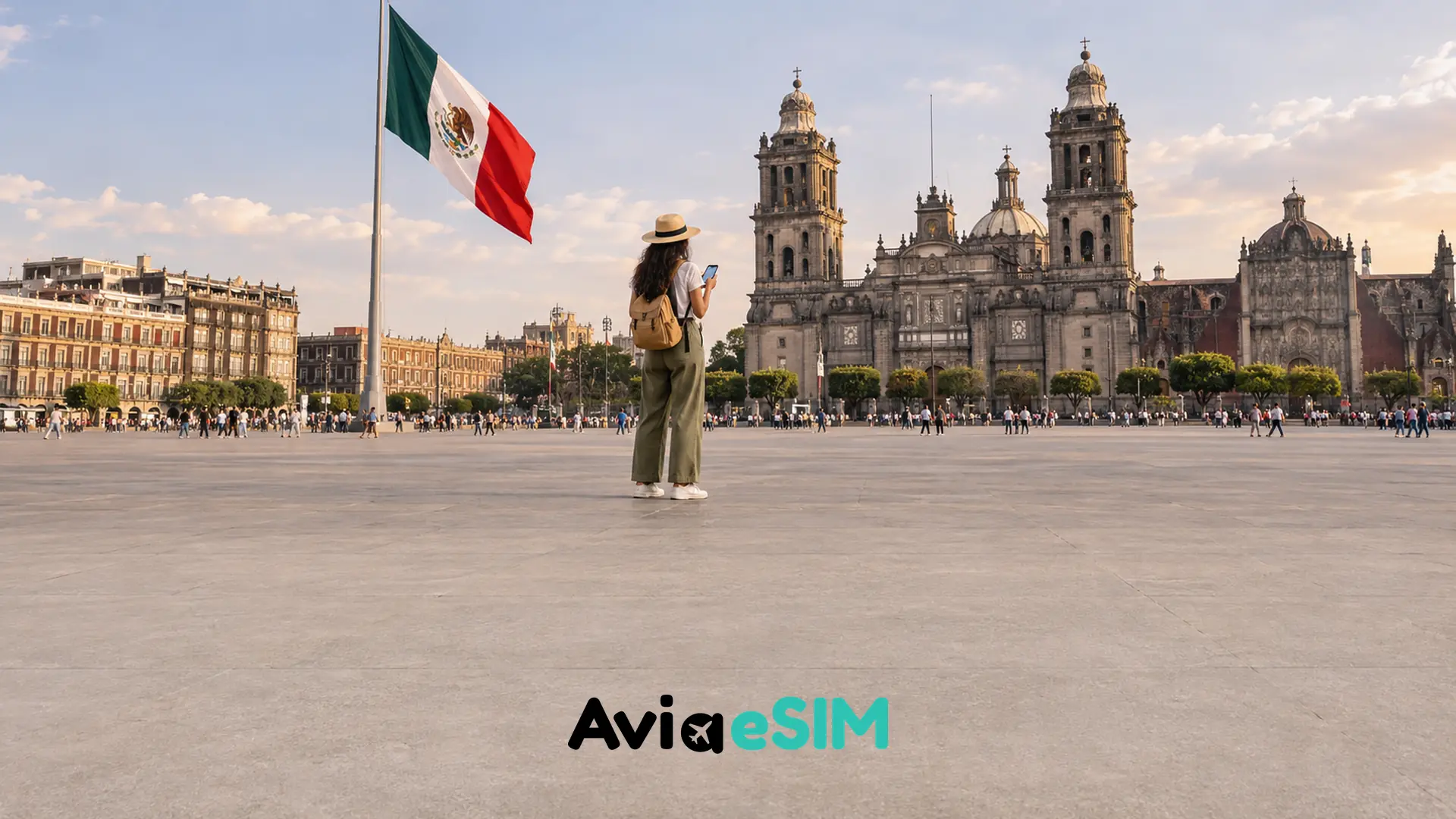
You step out of the Metro at Zócalo, the square is packed, and your ride arrives in four minutes. Then the map freezes. The best Mexico City SIM card for a short trip is often a travel Mexico City eSIM, installed before you fly, which gives you data on landing and keeps your home number active.
Mexico City is vast and fast-moving, and almost everything, from rides to restaurant tables to translation, now runs through your phone. This guide shows what to expect at the airport, on the Metro and in the streets, and how a Mexico City SIM card compares with roaming and a local Telcel line, with data amounts and a setup checklist.
Mexico City SIM card at the airport: what to expect
Benito Juárez International Airport (AICM) has two terminals, and both have mobile operator counters and convenience stores that sell prepaid SIM cards. Opening hours differ by terminal and change over time, so treat any schedule you read online as a guide, not a promise.
Buying a physical SIM after a long flight comes with friction. Mexican operators have tightened line registration rules, so expect to show your passport. Staff may need time to activate the line, and some packages arrive with limited data or a short validity. Prices vary by counter, so ask for the total before you pay.
The airport has also offered free public Wi-Fi in the terminals. It is handy for sending a "landed" message, but speeds are shared between thousands of passengers, and you should not use it for banking or anything private. If you already installed an eSIM at home, you can skip the whole routine and order your ride from the arrivals hall.
Mexico City SIM card vs eSIM vs roaming
Travelers usually choose between three options. Here is how they compare for a short city trip:
- Local Mexican SIM: often the cheapest per gigabyte if you stay long, but it needs an airport or store visit, passport registration and a physical SIM slot. Your home number stays offline unless you carry a second phone or use dual SIM.
- Travel eSIM: installed before the flight, active when you land, and kept alongside your home SIM. Plans start at a few dollars, and you pay for data only, with no counter, no paperwork and no tiny SIM tray tool.
- International roaming: the easiest to start and usually the most expensive. Daily roaming passes from home carriers can cost several times more than a prepaid eSIM, and a forgotten data switch can create a surprise bill.
For most visitors staying three to ten days, a travel eSIM is the simplest balance of price and convenience. Check that your phone is unlocked and eSIM compatible before you buy; most iPhones from the XS onward and many recent Android phones qualify.
Metro, rides and the Zócalo: staying online while you move
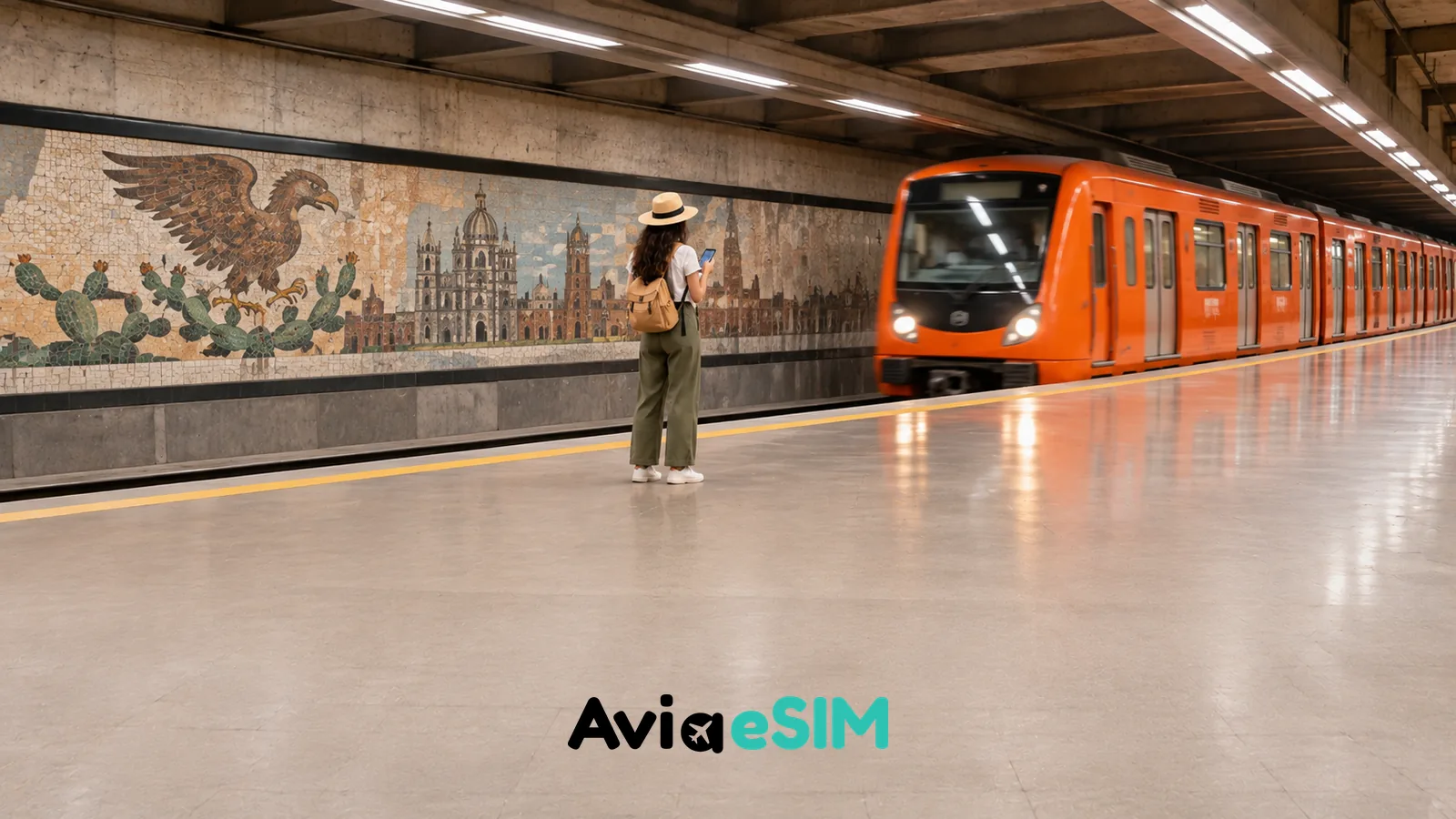
Getting around is where data earns its keep. Ride apps such as Uber and DiDi work in Mexico City, and being able to order a car in a crowded square like the Zócalo, where the exact pickup corner matters, saves a lot of wandering. Always check the plate and driver name in the app before you get in, and share your trip with a friend if you like.
The Metro is the fastest way to cross the city, but signal underground is inconsistent. Some lines have had public Wi-Fi projects, yet you should not count on them. Download an offline map of the city in your maps app, save your hotel address, and load your route before you go down the stairs. Your eSIM will pick up again when the train surfaces or when you reach the next busy station.
Above ground, coverage in Roma, Condesa, Polanco, Coyoacán and the historic center is generally strong. Remote corners of the metropolitan area, deep parks and some hilltop spots can be weaker, which is another reason to keep maps cached offline.
How much data do you need in Mexico City?
A realistic plan depends on how much you stream and share. As a rough guide:
- Light use: maps, messaging and the occasional ride, around 300 MB to 500 MB per day.
- Normal use: photos, social media, translation and video calls, around 1 GB to 1.5 GB per day.
- Heavy use: hotspot for a laptop or lots of video, 2 GB per day or more.
For a five-day visit, 5 GB to 10 GB covers most travelers with room to spare. Choose a slightly larger plan if you plan to tether, since a few hours of video calls can drain a small package fast.
Free Wi-Fi in Mexico City: useful, but not a plan
The city runs a large free Wi-Fi program with many thousands of hotspots, and cafés, malls and hotels add their own networks. It is a nice backup, especially in museums or plazas, but open networks are slow when crowded and not secure. Avoid logging into banking apps on them, and use a VPN if you must handle anything sensitive. A personal eSIM connection is more reliable, and it is also private.
Before you land: a quick setup checklist
- Confirm that your phone is unlocked and supports eSIM.
- Buy and install the eSIM at home while you still have stable Wi-Fi.
- Keep your home SIM as the primary line for calls and messages, and set the eSIM for mobile data.
- Turn on data roaming for the eSIM line only, then turn it off for your home SIM.
- Download offline maps and your hotel address before the Metro ride.
Extending your trip beyond the capital
Mexico City is often the first stop of a longer route. If you fly on to the Caribbean coast, the same plan idea works in Cancún and Tulum, and a country plan such as the Mexico eSIM covers the whole trip with one installation. Planning a longer Latin American journey? Compare the regional options on the Latin America eSIM page.
People also ask
Can tourists buy a SIM card at Mexico City airport?
Yes. Both terminals have operator counters and convenience stores that sell prepaid SIM cards, and you should expect to show your passport for registration. Hours and prices change, so confirm the total before paying.
Is an eSIM better than a Telcel SIM for a short trip?
For a few days, usually yes, because you install it before departure and avoid queues and paperwork. A local SIM can make sense for stays of several weeks or if you need a Mexican phone number.
Does Mexico City have free Wi-Fi?
Yes, the city offers a large public Wi-Fi program, and the airport has offered free Wi-Fi as well. Speed and reliability vary, and public networks are not secure, so use them for light tasks only.
Do Uber and DiDi work in Mexico City?
Yes, both operate in the city. You need mobile data to order a ride and see your driver, so have your eSIM active when you land.
Will my phone work on the Metro?
Coverage underground is uneven. Download offline maps and plan your route before you enter the station, and expect your connection to return above ground.
One last local tip: screenshot your ride confirmation and your hotel address in Spanish. If the signal dips in a crowded station, you can show the driver or a taxi attendant exactly where you are going. It also helps to keep your hotel address and the nearest Metro station saved in your notes app, because a screenshot still opens when the signal drops.
Frequently asked questions
Can tourists buy a SIM card at Mexico City airport?
Yes. Both terminals have operator counters and convenience stores that sell prepaid SIM cards, and you should expect to show your passport for registration. Hours and prices change, so confirm the total before paying.
Is an eSIM better than a Telcel SIM for a short trip?
For a few days, usually yes, because you install it before departure and avoid queues and paperwork. A local SIM can make sense for stays of several weeks or if you need a Mexican phone number.
Does Mexico City have free Wi-Fi?
Yes, the city offers a large public Wi-Fi program, and the airport has offered free Wi-Fi as well. Speed and reliability vary, and public networks are not secure, so use them for light tasks only.
Do Uber and DiDi work in Mexico City?
Yes, both operate in the city. You need mobile data to order a ride and see your driver, so have your eSIM active when you land.
Will my phone work on the Metro?
Coverage underground is uneven. Download offline maps and plan your route before you enter the station, and expect your connection to return above ground.
Sources
About the author
Mariami Burjanadze
Aviaesim Project Manager & Writer
I combine project management and writing at Aviaesim, where I have been part of the team since day one. My journey began at Avia.ge, where I developed my experience as a travel writer. My travels across Europe, Turkey and the United Arab Emirates continue to inspire the stories and perspectives I share with readers.
Traveling to Mexico City?
Install a Mexico City eSIM before you fly and land online. Plans from $2.05.
Related articles

Cancun & Tulum Travel Internet Guide: Airport, Hotel Zone & Cenote Coverage
Plan your Cancun SIM card or eSIM: airport arrival, Hotel Zone coverage, Tulum Wi-Fi and what to expect inside cenotes and on jungle roads.
Mariami Burjanadze
Mexico SIM Card for Tourists 2026: Telcel, AT&T Mexico or eSIM?
Compare a Mexico SIM card from Telcel, AT&T Mexico or Movistar with a travel eSIM, plus 2026 registration rules and coverage tips for tourists.
Mariami Burjanadze
Spain SIM Card for Tourists 2026: Movistar, Orange, Vodafone or eSIM?
Compare a Spain SIM card from Movistar, Orange or Vodafone with a travel eSIM, and learn how passport registration works for tourists.
Mariami Burjanadze