Best eSIM Oceania
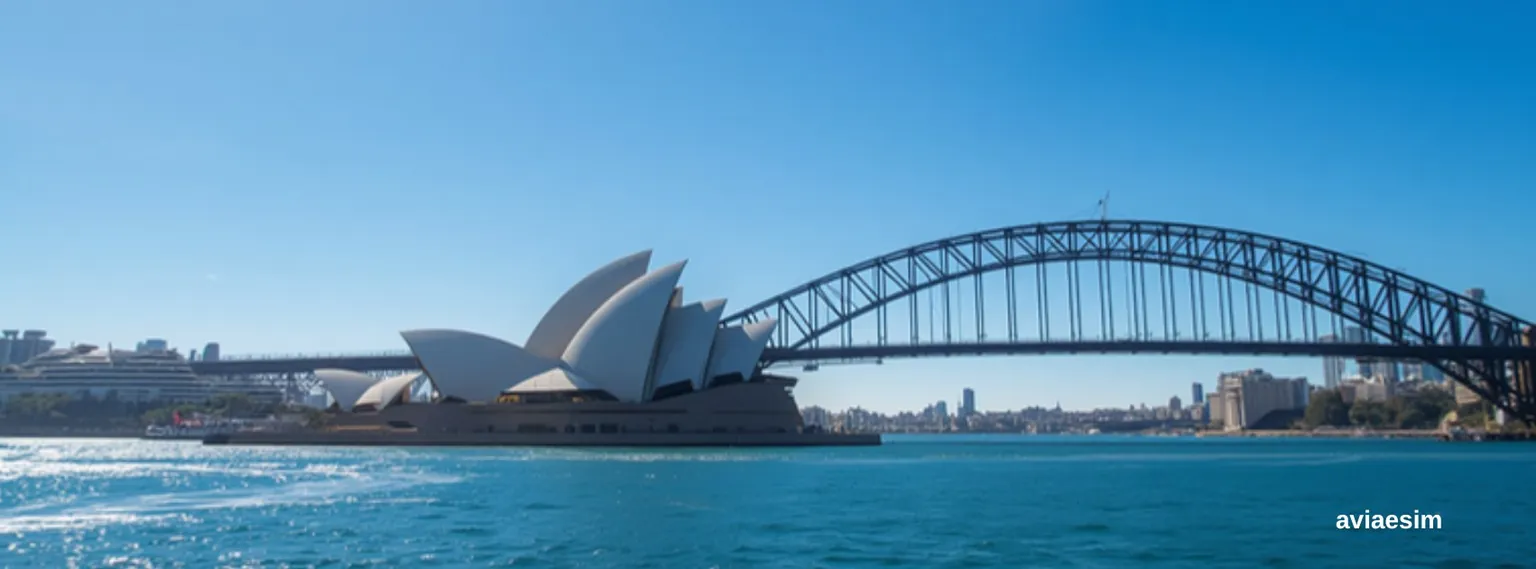
Find the perfect data plan for Oceania
Choose your package
7 Days
15 Days
30 Days
Need Broader Coverage? - Regional & Global Plans
Check out our regional and global eSIMs - prices shown are the starting rate, and coverage includes this destination.
Global eSIMs· 202 countries
$1.80 USD
Why choose AviaeSIM?
Instant activation
193 countries
24/7 support
Save up to 90%
Countries in Oceania
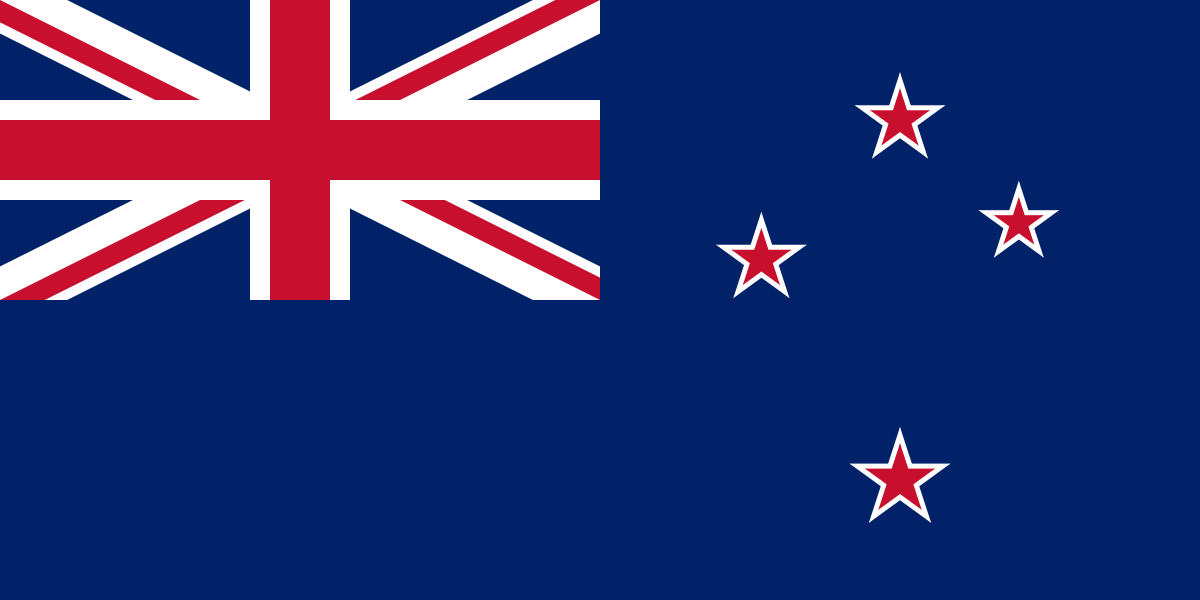
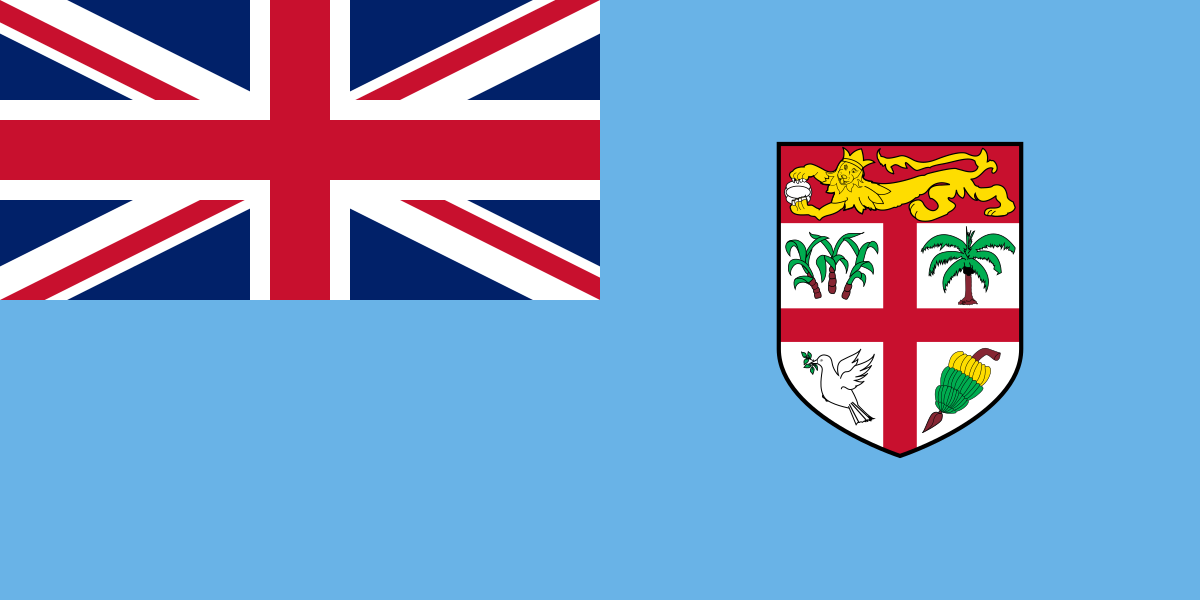
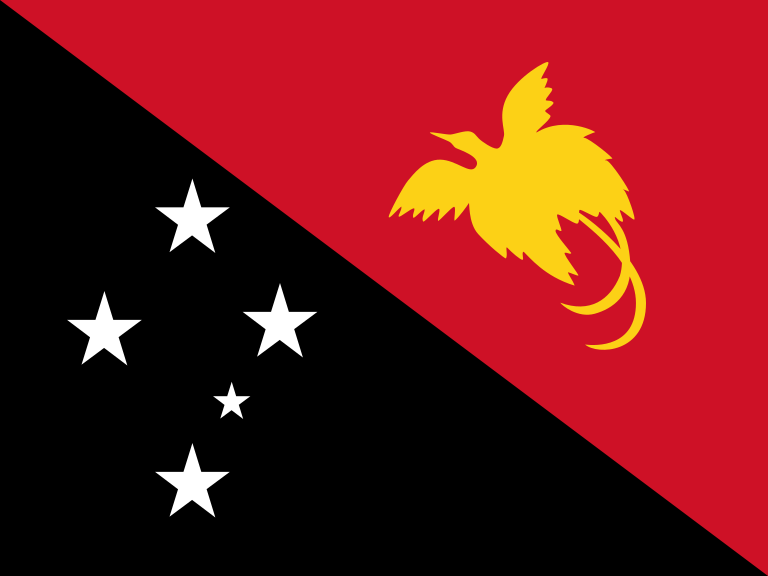
Choose a country to see individual eSIM packages






Frequently Asked Questions
Support
Need help? Email us at [email protected] — we reply 24/7 in multiple languages.
How to Install and Activate Your eSIM
Follow these simple steps to get connected before your trip
Check Device Compatibility
Purchase Your Plan
Scan the QR Code
Label and Configure Your Plan
Switch It On at Your Destination
💡 Pro tip: install your eSIM on home Wi-Fi days before you fly. The plan only starts counting down once you first connect to a local network at your destination - so there's no rush to activate.
What Our Customers Say
Levan S.
Tbilisi
Tinatin R.
Kutaisi
Beka M.
Tbilisi
One eSIM for Australia, New Zealand and the Pacific
A travel eSIM for Australia and New Zealand activates the moment you land in Sydney, Melbourne, Auckland or Queenstown — same Telstra, Optus, Vodafone AU, Spark NZ and One NZ towers the locals use, no Tasman-Sea swap when you fly between countries. Carrier roaming from the US, UK or Europe runs $10–15/day Down Under; over a 2-week ANZ trip that's $200+. Buying a local prepaid Australia SIM at the airport means a Boost Mobile or Optus kiosk visit, photo ID and cash — and it stops working the second you cross the Ditch to Auckland. An Australia eSIM tourist plan covers both countries plus Fiji, Vanuatu and Papua New Guinea on the same QR. Pick 5GB for a Sydney week, 10GB for the full East-Coast road trip, or unlimited eSIM Australia coverage for working remotely in Bondi or Wanaka.
Australia eSIM vs local SIM vs carrier roaming
Three ways to stay online in Australia and New Zealand. Roaming is the worst per-day rate; local SIMs are cheap but break at the Tasman; an ANZ eSIM splits the difference at one-third the local-SIM hassle.
| eSIM | Aus/NZ local SIM | |
|---|---|---|
| Setup time | ≈ 2 minutes (QR pre-flight) | 15–40 min at airport kiosk |
| Australia + NZ together | One plan, both countries | Two SIMs needed |
| Cost (2 weeks, 10GB) | ~$15–20 | $25–40 per country |
| Documents | None | Photo ID at kiosk |
| Tethering | Allowed on most plans | Allowed |
Oceania eSIM beyond Australia and New Zealand: Fiji and the Pacific islands
The classic Pacific routing — Los Angeles or Vancouver to Nadi, a week in Fiji, then onward to New Zealand or Australia — used to mean three separate SIM cards. A regional Oceania eSIM keeps one data balance across the whole arc, reconnecting to a local partner network every time you land.
On the islands, be realistic about geography. Fiji's main tourist corridor — Nadi, Denarau, the Coral Coast and Suva — has dependable 4G, while the outer Yasawa and Mamanuca islands are patchier and most remote resorts fill the gap with their own WiFi. Vanuatu, Samoa and Tonga appear on some regional plans but not all, so open the coverage list before booking an island-hopping leg.
Pacific cruises: where an Oceania eSIM works and where it doesn't
South Pacific cruises out of Sydney, Brisbane and Auckland are the region's favourite holiday — and the place travelers most often get roaming wrong. An eSIM works in every port of call and within tower range of the coast; on the open sea, the ship switches to its own satellite network, a separately billed service that no land eSIM plan covers.
The playbook is simple: use the eSIM freely ashore in Nouméa, Port Vila or Suva, then flip the phone to airplane mode as the ship sails so it never attaches to the maritime network. If you need internet mid-crossing, that is what the ship's own WiFi package is for.
One plan for the Australia–New Zealand–Fiji triangle
Round-the-world tickets and Tasman hops make Oceania a genuinely multi-country region: Sydney for the harbour, Queenstown for the fjords, Nadi for the reef — often inside a single three-week trip. Buying by country means juggling top-ups in three currencies; the regional plan is one purchase, one balance, and the same setup you'd do for any eSIM — scan the QR at home, switch on data roaming when you land.
Data appetite grows on this route — navigation on unfamiliar left-side roads, campsite bookings, weather checks before a Milford Sound day — so if you hesitate between two plan sizes, take the larger one. Topping up online mid-trip works, but not having to think about it is the point of going regional.
Countries covered by the Oceania eSIM
AviaeSIM's Oceania plans cover eight countries: Australia, New Zealand, Fiji, Samoa, Tonga, Vanuatu, Papua New Guinea and Nauru. Not on the list are New Caledonia, French Polynesia, the Cook Islands, the Solomon Islands, Kiribati, Tuvalu and Tokelau — French Polynesia is covered by the larger global eSIM plans, New Caledonia has no AviaeSIM plan at the moment, and the smallest atolls have no AviaeSIM coverage. For Australia or New Zealand alone, the Australia eSIM and New Zealand eSIM are cheaper per gigabyte.
More questions about Australia & New Zealand eSIM
Best eSIM for Australia tourist trips — what data should I pick?
For a typical 7–14 day Australia visit (Sydney, Melbourne, Cairns, Uluru), 5–10GB covers maps, ride-share, messaging and photo backup. Daily Instagram/TikTok uploaders should pick 15–20GB. Long-stay backpackers on the East Coast should pick unlimited Australia eSIM for the full month.
Does the Australia eSIM also cover New Zealand?
Many ANZ regional eSIMs cover both countries on one plan — useful if you're flying Sydney → Auckland or doing the Australia + New Zealand combo. Always check the country list before buying; some "Australia-only" plans exclude NZ to keep the price down.
Which Australian networks does the eSIM use?
Telstra (best regional coverage, Outback, Tasmania), Optus (cities + east coast), Vodafone Australia (cities). New Zealand: Spark, One NZ. Same towers as the local prepaid SIMs — your speed will be identical to a Boost or Skinny SIM at the same location.
Can I use an Australia eSIM for working remotely?
Yes — unlimited Australia eSIM plans run at full 4G/5G speed with a 3 GB/day fair-use cap before throttling to 1 Mbps. That covers a full workday of Zoom, Slack, Figma, plus evening streaming. For heavier remote-work usage, pair with hotel/Airbnb WiFi.
Which countries does an Oceania eSIM cover?
Australia and New Zealand are on every regional Oceania plan; Fiji is on most; Papua New Guinea, Vanuatu, Samoa, Tonga, New Caledonia and French Polynesia vary plan by plan. Before buying, open the plan's country list and tick off every stop on your itinerary — including cruise ports — rather than assuming Oceania means the whole Pacific.
Does an eSIM work on a South Pacific cruise?
In ports and near the coast, yes — the eSIM connects to the local island network like any phone. On the open sea it does not: ships run their own satellite networks that bill separately and are not part of any eSIM plan. Use the eSIM ashore, airplane mode while sailing, and the ship's WiFi package if you need internet at sea.
Where do I buy an official Oceania eSIM for Australia and New Zealand?
Directly from the eSIM provider's own website — that is the official channel. You get the QR code by email within minutes, the exact coverage list before paying, and support if activation stalls. Avoid third-party resale listings on marketplaces, where QR codes are sometimes already used or plans misdescribed.
Is mobile data in Fiji good enough for remote work?
In Nadi, Denarau, Suva and along the Coral Coast, 4G handles video calls and normal work traffic. On the outer islands coverage thins out and resorts rely on satellite-fed WiFi, which can slow down at peak evening hours. If a deadline travels with you, stay on Viti Levu or confirm the resort's connectivity before booking.
Does the Oceania eSIM cover Samoa, Tonga or Tokelau?
Samoa and Tonga, yes — both are among the eight countries on the Oceania plan, together with Australia, New Zealand, Fiji, Vanuatu, Papua New Guinea and Nauru. Tokelau, no: no AviaeSIM plan covers it, so plan on the local network or Wi-Fi there.