Milan Travel Internet Guide 2026: Malpensa Airport, Metro Wi-Fi & SIM vs eSIM
Milan SIM card, Malpensa Wi-Fi, metro signal and eSIM vs roaming: how to stay online in Milan from landing to day trips, with practical tips.
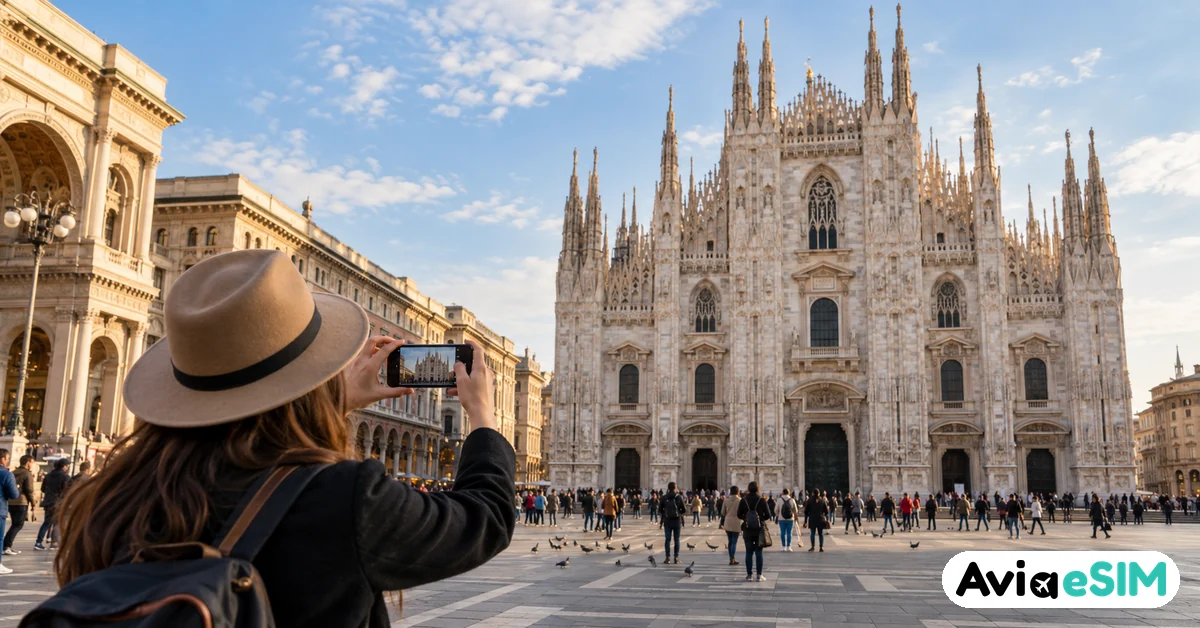
You step off the Malpensa Express at Cadorna, rain tapping on the station roof, and your phone shows the same message it showed in the air: no service. Your hotel is somewhere near Brera, the booking confirmation sits in an email that never finished loading, and the taxi queue is long. This is the moment a Milan trip either starts smoothly or turns into a hunt for a café with a working password.
Milan is one of the best connected cities in Italy, with fast 4G and 5G across the center, mobile coverage deep inside the metro, and free Wi-Fi at both main airports. Still, picking the right Milan SIM card or data plan before you land saves real time. If you would rather sort it out at home, a Milan eSIM can be installed in a few minutes and switched on the moment your plane touches down.
Arriving at Malpensa Airport: Wi-Fi and First Connections
Most long haul and many European flights land at Milano Malpensa (MXP), about 50 km northwest of the Duomo. Terminal 1 handles nearly every airline, while Terminal 2 serves mainly easyJet, and a free shuttle links the two.
Malpensa airport Wi-Fi
Malpensa offers free Wi-Fi throughout its terminals. Select the airport network, accept the terms on the welcome page and you are online, with no lengthy registration. It is good enough for messages, a quick map download or checking your train time.
Speeds drop at busy gates and near baggage claim, so do not count on it for anything urgent. A practical habit: download an offline Google Map of central Milan while you wait for your luggage.
Getting from the airport into the city
The Malpensa Express runs roughly every 15 to 30 minutes to Cadorna, Porta Garibaldi and Milano Centrale, and the ride takes around 50 minutes. A single fare is around €13. Buses to Centrale are cheaper but slower in traffic.
If you have mobile data from the moment you land, you can buy train tickets in the Trenord app, check platform changes and message your host on the way. That alone is the main argument for setting up internet before the trip rather than after it.
Linate and Bergamo
Linate (LIN), the small city airport, is now connected to San Babila in about 15 minutes by the M4 metro line, which has 4G and 5G coverage in its tunnels. Many budget flights use Milan Bergamo (BGY), around an hour away by shuttle bus, so having data for live bus times is especially useful there.
Internet in Milan: How Good Is Mobile Coverage?
Internet in Milan is fast by European standards. All major Italian networks cover the city with 4G, and 5G is widespread in the center, around Porta Nuova, CityLife and the Navigli. Indoor signal in old palazzi with thick walls can be weaker, which is worth knowing if you book a historic apartment.
Public Wi-Fi exists, but it is patchy. The city runs free hotspots in some squares, cafés usually share a password with customers, and hotels almost always include Wi-Fi. For navigation, ride hailing and booking restaurants on the go, though, your own mobile data is far more reliable.
Milan Metro Wi-Fi and Underground Signal
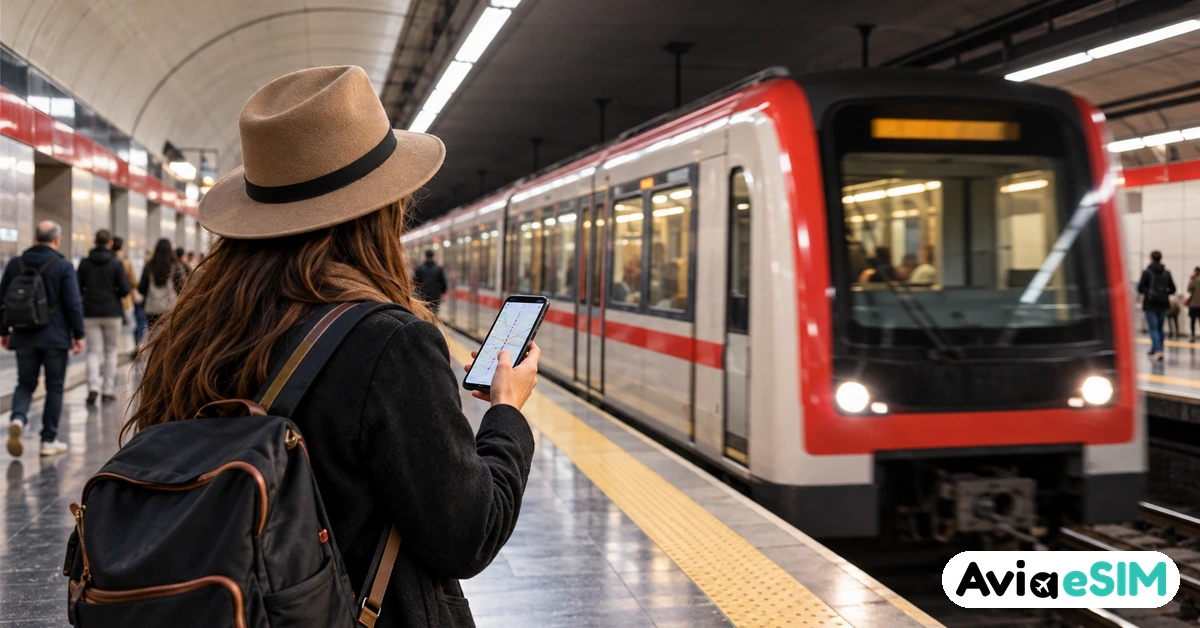
Here is good news for anyone who hates losing signal underground. Milan has installed distributed antenna systems across its metro network, so most stations and many tunnel sections keep a mobile signal. On the newer M4 and M5 lines, coverage in trains is especially solid, including 5G on M4 for several operators.
Milan metro Wi-Fi is a different story. ATM, the city transport company, has offered free Wi-Fi in selected central stations such as Duomo, Cadorna and San Babila, with a one time registration through a welcome page. It works for a quick check while you wait, but it is not available on every platform and rarely inside moving trains.
- Pay by tapping: you can tap a contactless bank card or phone wallet at the metro gates instead of buying paper tickets, which means less time at machines.
- Use the official apps: ATM Milano shows live departures and service alerts, which matter during strikes, a regular feature of Italian transport.
- Keep a battery reserve: streaming maps underground drains a phone quickly, so a small power bank is a smart addition.
Milan SIM Card vs Travel eSIM vs Roaming
There are three realistic ways to get online in Milan. Each one suits a different kind of traveler.
- Local Italian SIM card: TIM, Vodafone, WindTre and Iliad all sell prepaid plans, and some offer tourist packages. You must buy in person, show your passport, and the shop will generate an Italian tax code (codice fiscale) for you. Activation can take time and store queues are common at Centrale. Good value for stays of a month or more.
- Travel eSIM: a data plan you buy online and install by scanning a QR code before you leave. No shop visit, no ID paperwork, and your home number stays active for calls and banking codes. Ideal for city breaks and multi city trips.
- Roaming with your home operator: simplest of all, and free for many EU residents under roam like at home rules. Travelers from the US, UK, Asia or the Middle East often pay daily passes of around $10 to $15, which adds up quickly on a week long trip.
- Pocket Wi-Fi: useful for groups sharing one connection, but it is one more device to charge and return, and less common in Italy than in Asia.
For most visitors spending a few days to two weeks, an eSIM covers the gap between expensive roaming and the hassle of a local shop. If Milan is just the first stop, an Italy eSIM keeps you connected all the way to the coast.
How to Buy a Local SIM Card in Milan
If you prefer a physical Milan SIM card, plan for some time. Operator stores cluster around Corso Buenos Aires, the Duomo area and inside Milano Centrale station.
- Bring your passport. Italian law requires ID for every SIM registration.
- Make sure your phone is unlocked, otherwise a foreign SIM will not work.
- Ask specifically for a tourist or prepaid offer. Prices change often, but tourist packages are usually around €15 to €30 for a month with generous data.
- Test calls and data before leaving the shop, since activation is not always instant.
Iliad and smaller brands can be cheaper, yet staff may speak less English and setup is aimed at residents. TIM and Vodafone stores are typically the easiest for visitors.
Setting Up a Travel eSIM Before Your Flight
An eSIM is the fastest route to mobile data the moment you land. Check first that your phone supports eSIM and is carrier unlocked; most recent iPhone, Samsung Galaxy and Google Pixel models do.
- Choose a plan sized to your trip, for example 3 GB for a weekend or 10 GB for a week of maps, photos and video calls.
- Install it at home over Wi-Fi by scanning the QR code, but leave the data line switched off.
- When you land, turn on the eSIM line and enable data roaming for it. Keep your home SIM active for SMS codes if you need them.
Prices for a Milan data plan start low, so you can buy a small package and top up only if you need more.
Day Trips from Milan: Staying Connected Beyond the City
Milan is a perfect base for exploring northern Italy, and your data plan should travel with you. Trains reach Turin, Verona and Bologna in about an hour, and high speed services make it easy to continue to other cities.
- Venice: about 2 hours 25 minutes by fast train. Signal in the narrow calli can be weaker, so download offline maps. See our Venice eSIM plans.
- Florence: under 2 hours by Frecciarossa, an easy add on for a Florence data plan.
- Rome: about 3 hours by high speed train if you are heading south. Check Rome eSIM options.
- Lake Como: around an hour by regional train. Keep an eye on your network here, because near the border your phone can connect to a Swiss tower.
That last point catches many visitors out. Switzerland is not in the EU, so EU roaming rules do not apply, and a day trip to Lugano can trigger extra charges. If you plan to cross over, a Switzerland eSIM or a regional Europe eSIM is the safer choice.
Frequently Asked Questions
Do I need a SIM card in Milan as a tourist?
Not strictly, since hotels and cafés have Wi-Fi, but mobile data makes the metro, ride apps, restaurant bookings and train changes much easier. Most visitors use a travel eSIM or a roaming pass rather than buying a local card.
Is there free Wi-Fi at Malpensa Airport?
Yes. Malpensa offers free Wi-Fi in its terminals after accepting the terms on a welcome page. It is fine for messages and maps, but can slow down at busy times.
Does my phone work in the Milan metro?
In most cases, yes. Antenna systems have been installed across the metro lines, and the newer M4 and M5 have strong 4G and 5G coverage. Free ATM Wi-Fi is limited to selected stations.
Can I buy a SIM card at Malpensa Airport?
Options inside the airport are limited and often pricier than city stores. You will need your passport, and the line can be long after a big arrival. Setting up an eSIM in advance avoids the queue entirely.
Which Italian operator has the best coverage in Milan?
TIM, Vodafone and WindTre all perform well in the city. TIM is often considered the strongest for wider Italian coverage, which matters if you travel into rural areas or the mountains.
A Local Tip Before You Go
If you visit in early December, time your walk past Castello Sforzesco with the Oh Bej! Oh Bej! fair around the feast of Sant'Ambrogio on 7 December, Milan's own patron saint day. Stalls of chestnuts, toys and antiques fill the streets, and you will want your map handy to find your way back through the crowds. Planning more festive stops? Our guide to Christmas markets in Europe covers the best ones.
Wherever your Milan itinerary leads, from the Duomo rooftop to an aperitivo on the Navigli, having your own data from the first minute makes everything simpler. Milan eSIM from $1.30: install it at home, switch it on at Malpensa, and step off the train already connected.